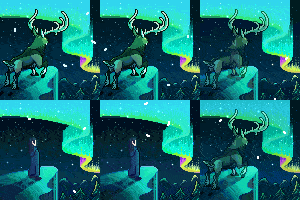
Hey everyone
I’m somewhat new to the forest and community here. I actually joined a while back (my other account is 51 weeks old Q~Q), but I got too busy with classes and never got to get in forest much at all or even introduce myself. I’ve been lurking on and off since maybe late September? Definitely October at least. I’m able to be on a bit more since I recently started winter break, so I decided to stop being a weenie and post this.
I’ve been wondering around on this account’s pictogram, and also this one:
http://tale-of-tales.com/TheEndlessForest/register/pictogram.php?usernam... (my older account)
I hope to stick around this time :3 especially since next semester I have a few free days.








 Ive searched and searched and tried sitting in the mushroom circles for ages. Im just wondering, does it take luck to get the mini deer? or do you just have to keep trying and trying? ( i know this is really late to be asking considering the game came out years ago ).